
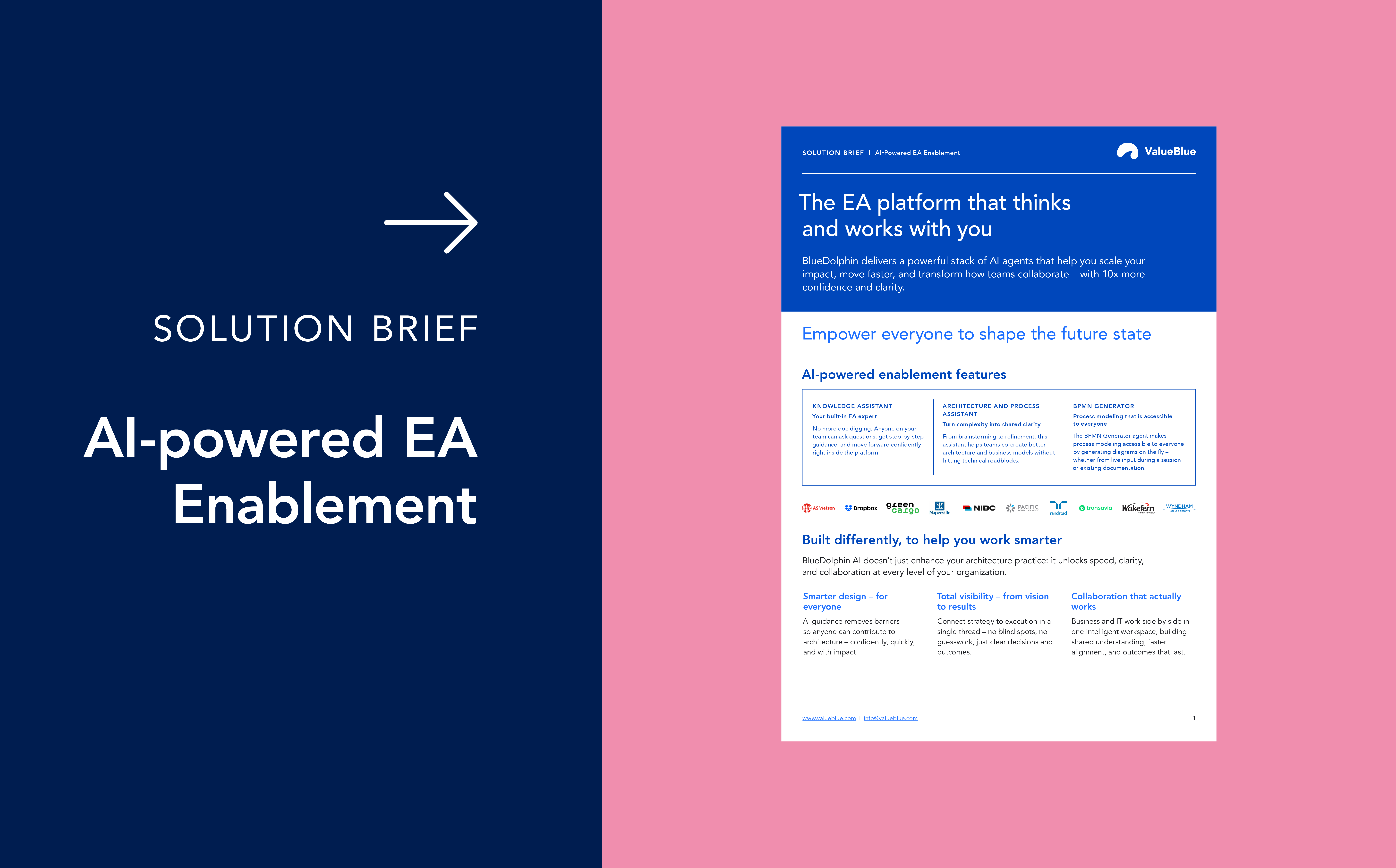
BlueDolphin AI
Learn more about how AI is integrated into BlueDolphin, what it means, and how we manage your data.
User-Friendly
Both assistants feature intuitive, conversational interfaces – no specialized training is needed.
Time-Saving
Quickly access the knowledge you need without leaving the BlueDolphin environment.
Collaboration-Ready
Effortlessly share insights, documents, and process overviews to keep everyone on the same page.
Knowledge AI Assistant
Purpose:
- Explore & Learn: Provides instant insights about BlueDolphin’s features, architecture, and best practices through natural language queries.
- Stay Focused: Eliminates the need to switch between BlueDolphin and separate documentation, keeping you on task.
- Onboarding for All: Makes platform knowledge accessible to everyone, not just technical experts or architects.
Data usage (Knowledge AI):
The Knowledge AI Assistant is designed exclusively for general-purpose use. It functions solely as a natural language search engine for the BlueDolphin knowledge base without processing or accessing any of your organization’s data.
How it helps you:
- Ask Any Question: Type your query and the Knowledge AI Assistant will guide you with step-by-step explanations or direct links to relevant documentation.
- Faster Adoption: New users can quickly grasp BlueDolphin’s capabilities without extensive training.
AI View Assistants
Purpose:
- Simplify Architecture Exploration: Translates complex architecture models into clear insights using natural language
- Make BPMN Simple: Translates complex BPMN diagrams into easy-to-understand visuals and shareable documentation.
- Empower All Users: Enables intuitive interaction with architecture views without a technical background.
- Effortless Sharing: Quickly generate and share insights from models such as application landscapes, process architectures, and solution designs.
- Streamlined Collaboration: Allows quickly generating clear process overviews that can be shared with teams and stakeholders.
Data usage (AI View Assistants):
The AI View Assistants do process tenant data. Specifically, it reads and interprets the architecture views you create or upload within BlueDolphin when you submit a question to provide accurate answers and generate shareable insights.
How it helps you:
- Natural Language Interaction: Ask questions about architecture in plain language to easily explore different perspectives.
- Instant Insights: Transform architecture models into understandable, shareable content with just a few clicks.
AI Modeling Assistant
Purpose:
- Model in minutes: Turn plain language into BPMN 2.0-compliant diagrams instantly, reducing manual diagramming effort.
- Make modeling accessible: Empower business users to actively design and refine workflows, accelerating collaboration with process owners, architects, and transformation teams.
- Reuse what you already have: Turn existing documentation into structured BPMN simply by uploading files and prompt.
Data usage (AI Modeling Assistant):
Unlike the Knowledge AI Assistant, the Modeling Assistant processes tenant data and the process information you provide to generate the BPMN model. This includes interpreting the content of uploaded files and the prompts you submit to produce a diagram. Uploaded files may be used as contextual information for follow-up questions within the modelling flow.
How it helps you:
- Prompt-to-diagram: Describe a process in plain language and receive a ready-to-edit BPMN diagram.
- File-to-diagram: Upload supporting material (PNG, JPG/JPEG, PDF, TXT, DOCX; up to 10 MB) to generate BPMN from existing artifacts.
- Smarter connections: When linking tasks to repository objects, get AI-driven suggestions to speed up modelling and improve consistency.
BlueDolphin MCP
Purpose:
- Speak human to your architecture: Ask natural questions and get clear answers grounded in your BlueDolphin data and models.
- Make EA accessible to everyone: Give non-architect stakeholders instant, contextual insights in plain language, multiplying the impact of the architect’s work.
- Faster, better-informed decisions: Reduce waiting time for translations and reports by enabling real-time analysis and explanations through the company’s AI chatbot.
Data usage (BlueDolphin MCP):
BlueDolphin MCP connects BlueDolphin to a third-party AI assistant that is provided, configured, and controlled by the Customer (e.g., Microsoft Copilot, Claude Desktop, Google Workspace Gemini). When a user asks a question in the Customer’s AI tool, the user’s prompt and the relevant BlueDolphin context needed to answer it (for example, selected projects, objects, and relationship data returned by BlueDolphin) may be shared with that third-party AI tool so it can generate a response grounded in the Customer’s architecture environment.
In this MCP scenario, BlueDolphin acts only as the provider of the MCP/API interface and the BlueDolphin data retrieval endpoint; BlueDolphin does not operate or control the third-party AI assistant or how it processes, stores, or uses prompts and outputs. The Customer’s use of the third-party AI tool (including any retention, training, logging, or other settings) is governed by the Customer’s agreement and configuration with that third-party provider.
This differs from BlueDolphin’s own AI features, where BlueDolphin provides the AI capability within the platform and the associated data usage and safeguards are governed by the BlueDolphin AI Addendum. MCP connectivity is optional and only applies if the Customer chooses to connect BlueDolphin to their own third-party tools.
How it helps you:
- Conversational AI interface: Context-aware Q&A grounded in BlueDolphin models and data.
- Impact analysis on demand: Surface dependencies, risks, and continuity implications across applications, processes, and capabilities.
- Role-relevant insights: Tailored outputs for executives, portfolio owners, HR, BCM, operations, and architects, delivered in accessible language.
- Decision intelligence layer: Connect responses to goals and strategies to bridge strategy-to-execution.
- Proactive EA enablement: Help architects shift from reactive validators to strategic partners by exposing connections earlier in planning.
Example questions stakeholders can ask:
- “Which applications support HR onboarding?”
- “What happens if this system fails?”
- “What are the key dependencies and risks for this initiative?”
BlueDolphin AI Data Usage
Delivering a seamless, intuitive, and highly efficient user experience requires continuous learning and refinement. By analyzing real-world interactions and user data, we can identify patterns, improve AI accuracy, and develop features that genuinely meet your needs. These insights allow us to make our AI smarter, more responsive, and better tailored to your workflow. Ultimately enhancing the value, you get from our platform. Our commitment is to leverage data responsibly, prioritizing transparency and user control.
Your data helps us improve – but you’re in control
We understand that privacy is a personal choice, and we are committed to giving you complete control over your data.
How we protect your data:
-
Opt Out Anytime: We respect your choices. If you prefer not to have your data contribute to AI model training, you can easily opt out through the in-app “Chat with support” system
-
Strict Access Control: Your data is never shared with third parties, and only authorized team members can access it for necessary improvements.
- Privacy & Compliance First: We adhere to strict internal policies and comply with all relevant data protection laws to safeguard your information.
Your trust is at the core of everything we do. If you have any questions or concerns, please don’t hesitate to contact our support team through the in-app “Chat with support” system.
What are the capabilities of BlueDolphin AI?
See the details in the link to the Overview of the BlueDolphin AI below.
For all BlueDolphin users, the AI Assistant processes data within the same region as their tenant, meaning that EU tenants’ data will stay in the EU and US tenants’ data will stay in the US. However, exceptions may apply for certain features requiring specialized models. Any such exceptions will be clearly communicated in the release notes in advance.
Does the AI Assistant store or track my questions and answers?
Yes, BlueDolphin stores questions and answers for debugging and analysis purposes. This data is not shared with third parties and is only available to authorized BlueDolphin employees.
How accurate is the AI Assistant?
While the AI Assistant is developed using reliable information from BlueDolphin, it may not always provide 100% accurate results. This is due to a common issue with generative AI models known as “hallucination”, where the system might generate incorrect or misleading information. ValueBlue continuously refines the AI to minimize inaccuracies.
Users of the AI Assistant are responsible for validating the answers provided.
In an attempt to be helpful, the AI assistant can occasionally produce incorrect or misleading answers.
This is known as AI hallucination, and it’s a byproduct of some of the current limitations of generative AI models. AI hallucinations are similar to how humans sometimes see figures in the clouds. In the case of AI, these misinterpretations occur due to various factors, including model training data inaccuracies, high model complexity, or incorrect assumptions made by the model.
When working with the AI Assistant you should not rely solely on it as a singular source of truth. Always review answers given by the AI Assistant. Should you encounter any AI hallucinations, we would gladly receive your feedback through the in-app “Chat with support” system. ValueBlue incorporates feedback and invests in improvements to mitigate such inaccuracies.
In short, it is the user's responsibility to validate the answer provided by AI.
Due to the nature of AI, there is no guarantee that all issues or errors reported by users can be fixed individually. However, BlueDolphin continuously works to improve the underlying AI model through strict evaluations and updates. To submit feedback, use the in-app “Chat with support” system.
Yes, you can report any inaccuracies or bugs encountered while using the AI Assistant through our support. Although we cannot promise a fix for every issue, your feedback helps us improve the overall system. To submit feedback, use the in-app “Chat with support” system.
As part of our ongoing commitment to improving the BlueDolphin AI, we plan to train and fine-tune our models in the future. BlueDolphin maintains a strong commitment to safeguarding your data privacy and employs robust measures to protect your information
- Opt-Out Available: We understand that not all customers wish to have their data included in model training. You can easily opt out of this process anytime by following this link.
- No Third-Party Sharing: We do not share your data with outside parties, and only authorized BlueDolphin employees can access it.
- Privacy & Compliance: All data handling follows rigorous internal policies and adheres to applicable data protection laws and regulations.
Your trust is our priority. If you have further questions or concerns, please contact our support team using the in-app “Chat with support” system.
How can our organization enable BlueDolphin AI?
The Knowledge AI Assistant is free for all users; for other BlueDolphin AI products, contact your Account Manager.
For details of their capabilities, see Overview of the BlueDolphin AI.
How can our organization enable BlueDolphin AI?
For BlueDolphin AI products, contact your Account Manager.
For details of their capabilities, see Overview of the BlueDolphin AI.
How do you handle AI model updates?
We upgrade and change AI models using diligent controls and measurements, following the same disciplined approach we use for all product improvements. This includes validating expected behavior and performance, monitoring quality and stability, and rolling out changes in a controlled manner to minimize risk for customers.
Which Large Language Models (LLM) do you use?
ValueBlue AI uses large language models accessed through Third parties (Microsoft Azure AI Foundry services). The specific model used depends on the AI capability and the performance requirements (for example reasoning quality, speed, tool calling, etc.). Models currently used may include, but are not limited to:
- GPT-4o
- GPT-4o-mini
- GPT-5
BlueDolphin may update or change the specific model versions over time to ensure optimal quality, performance, and security.
Is the Large Language models(LLM) public or proprietary?
The underlying models are third-party foundation models provided through Microsoft Azure’s enterprise AI services.
These are not public consumer services. They are accessed through Microsoft’s enterprise Azure environment, which provides:
- enterprise security controls
- tenant isolation
- network protection
- monitoring and logging
- contractual enterprise data protection commitments
The foundation models themselves are trained by the model provider on large general-purpose datasets. BlueDolphin does not control or contribute to the original foundation-model training dataset.
Importantly:
- Customer prompts and customer data processed through BlueDolphin AI are not used by Microsoft or Azure OpenAI to train the foundation models under Azure enterprise data handling terms.
- BlueDolphin treats all customer data as confidential and private.
Where does the Large Language models run?
The AI capabilities run within Microsoft Azure cloud infrastructure.
Azure provides the underlying:
- enterprise security controls
- tenant isolation
- network protection
- monitoring and logging
- contractual enterprise data protection commitments
The generative AI models are accessed through Azure AI Foundry services in enterprise Azure environments provided by Microsoft.
Regarding the region: the services run in the same region as the customer’s tenant, which is either US or EU.
Can we use our own Large Language Model (LLM)?
No, for native AI capabilities inside the BlueDolphin platform. BlueDolphin currently operates the AI models through its managed Azure environment to ensure consistent quality, performance, and security. However, we recognize that some organizations may require the use of customer-controlled models for governance or compliance reasons. Supporting customer-provided models for certain native AI capabilities may therefore be considered as part of the future product roadmap.
Yes, for MCP integrations. BlueDolphin supports scenarios where customers can connect their own AI assistant or LLM environment through Model Context Protocol (MCP) integrations (for example via tools such as Claude Desktop, Microsoft Copilot or other enterprise AI assistants).
In this scenario:
- the customer’s AI system remains fully under the customer’s control
- BlueDolphin acts as a context provider, returning architecture data and metadata when requested
- the customer’s LLM processes the question and generates the response
This allows organizations to use their own approved AI models or AI platforms while leveraging BlueDolphin’s enterprise architecture repository as contextual data.
How do I stay informed about BlueDolphin AI changes?
To stay informed about the latest developments and changes to BlueDolphin AI, please join our community.